Available on iOS & Android
Consistent photos,
every time.
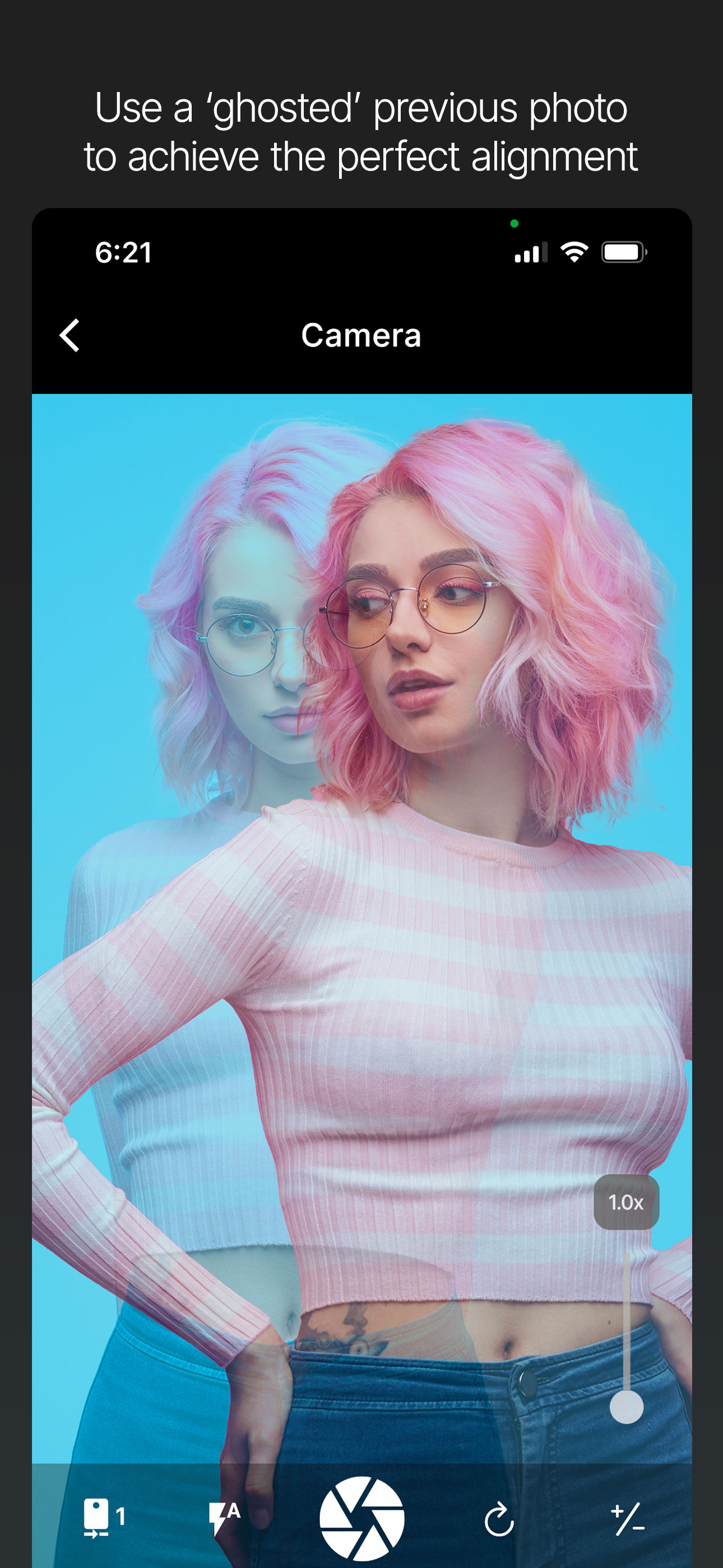
Camera Overlay uses a "ghosted" image to help you match the angle, zoom, and layout of previous shots.
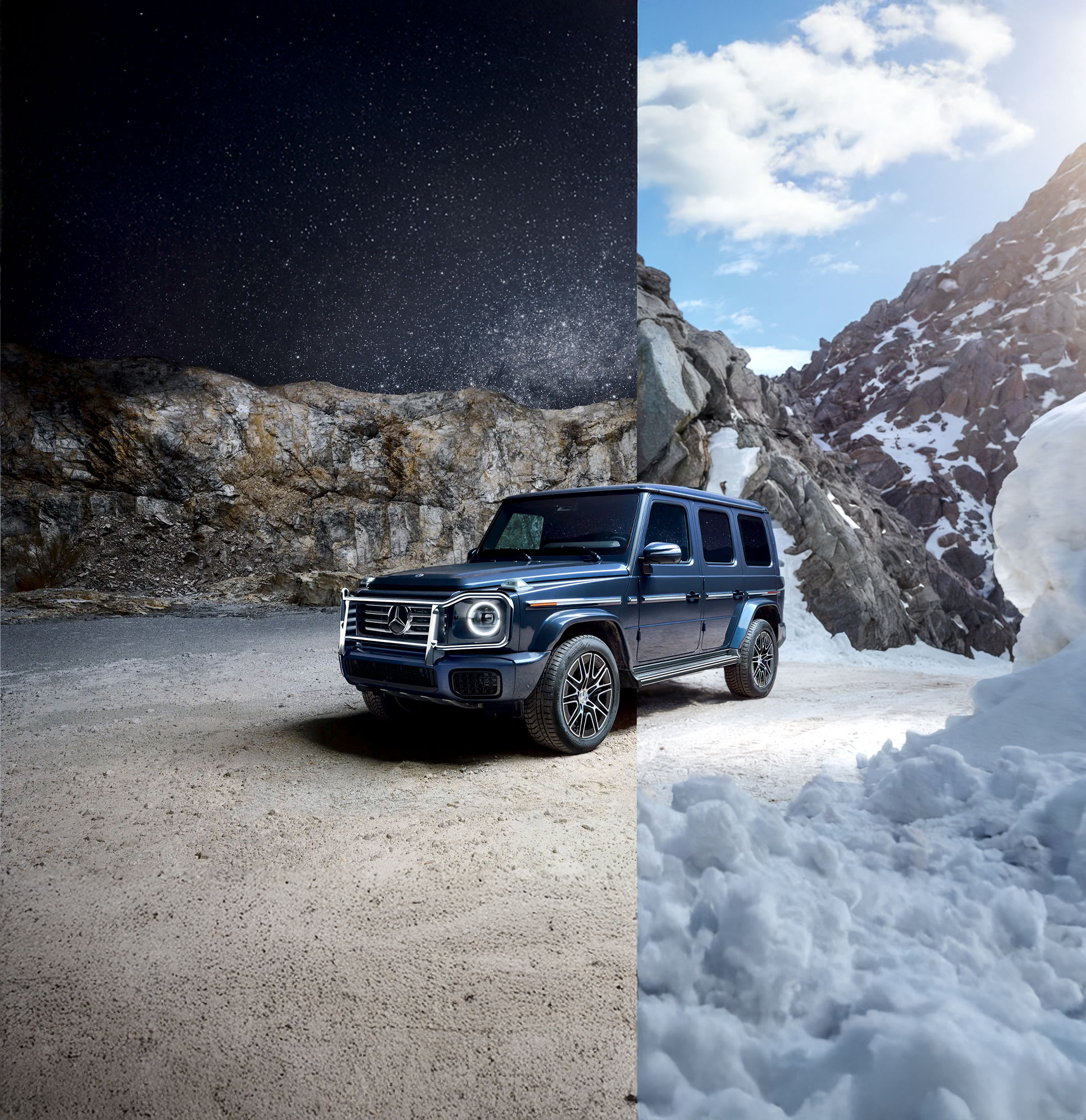
Camera Overlay uses a "ghosted" image to help you match the angle, zoom, and layout of previous shots.
Your reference photo appears 'ghosted' over the live camera.
Align it perfectly in real time.
Capture your reference shot – the product, the setup, the angle you want to replicate.
Your reference photo appears as a semi-transparent image over the live camera.
Align it as you
want.
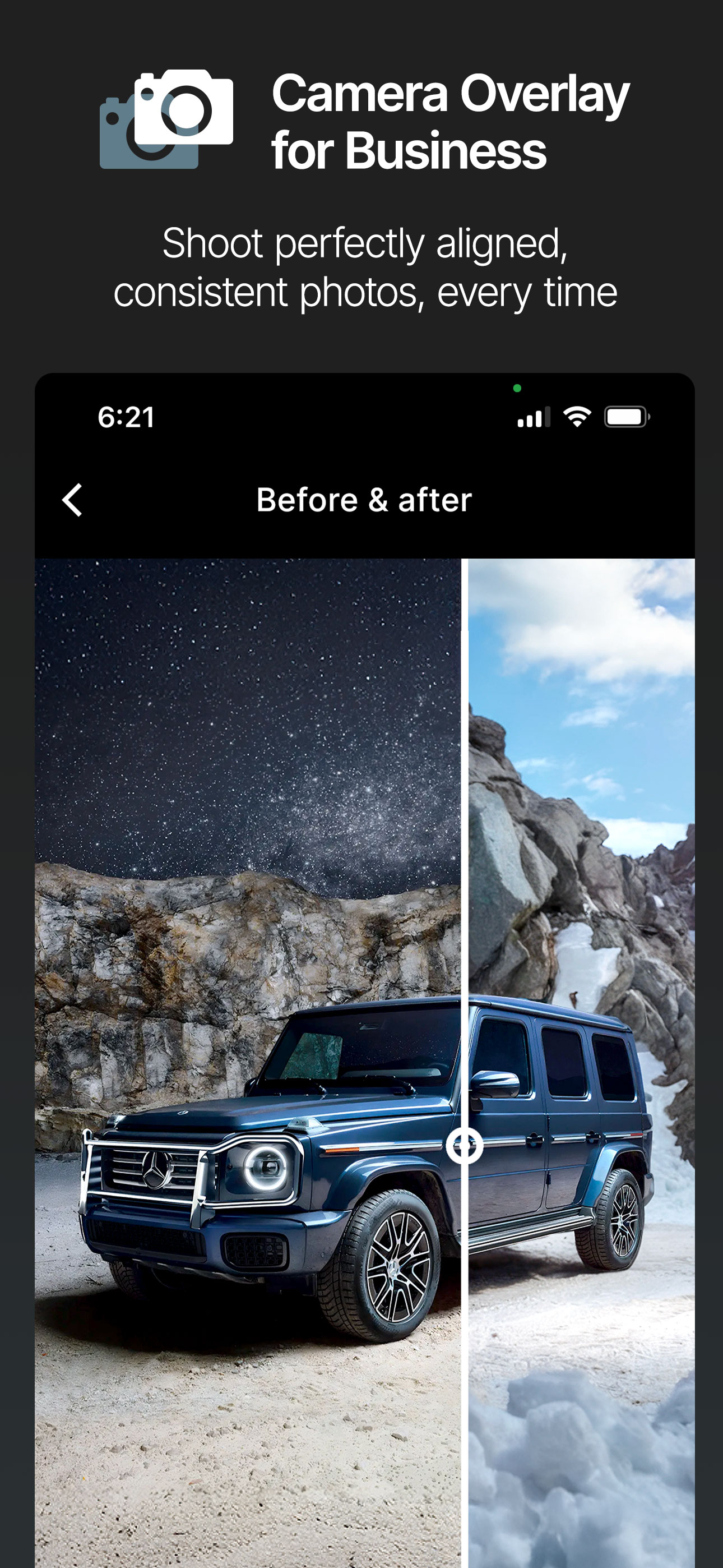
Take the new photo and instantly compare them.
The overlay ensures every shot looks consistent.
Same angle, same zoom, same crop;
every time.
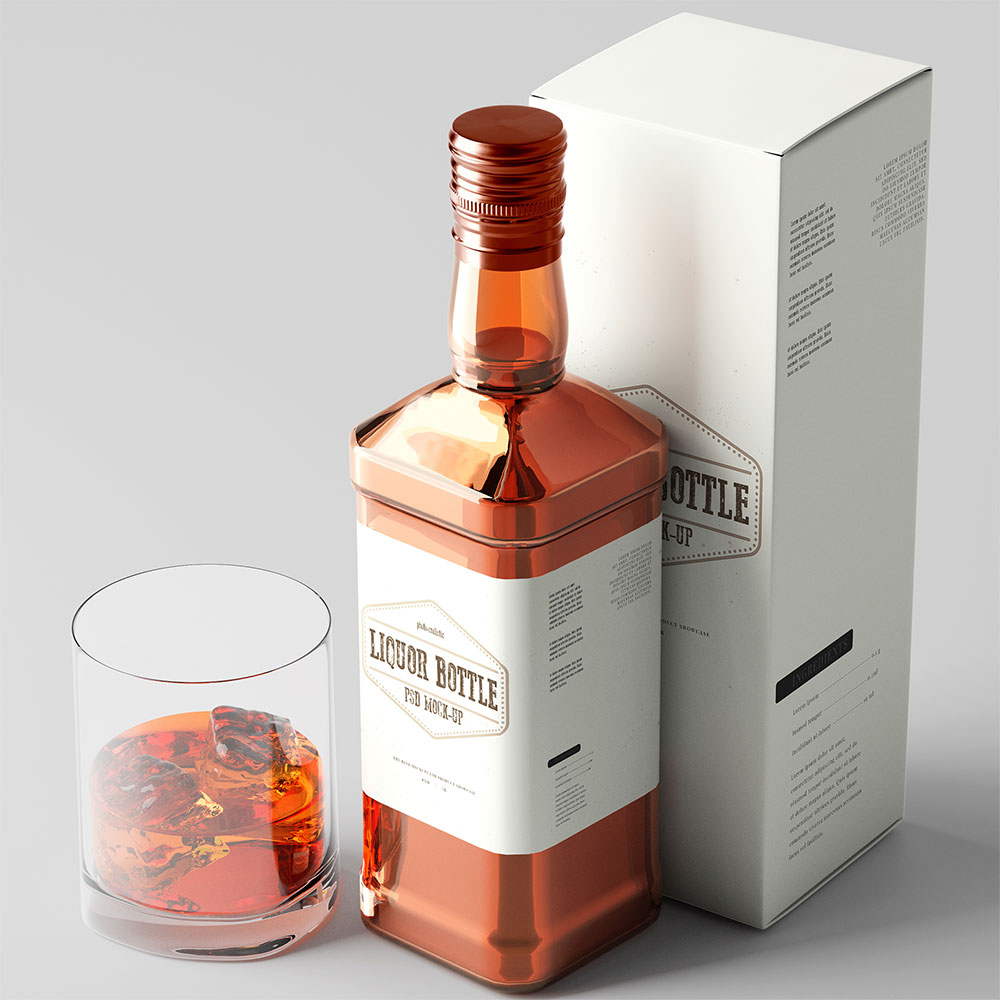 Shot A
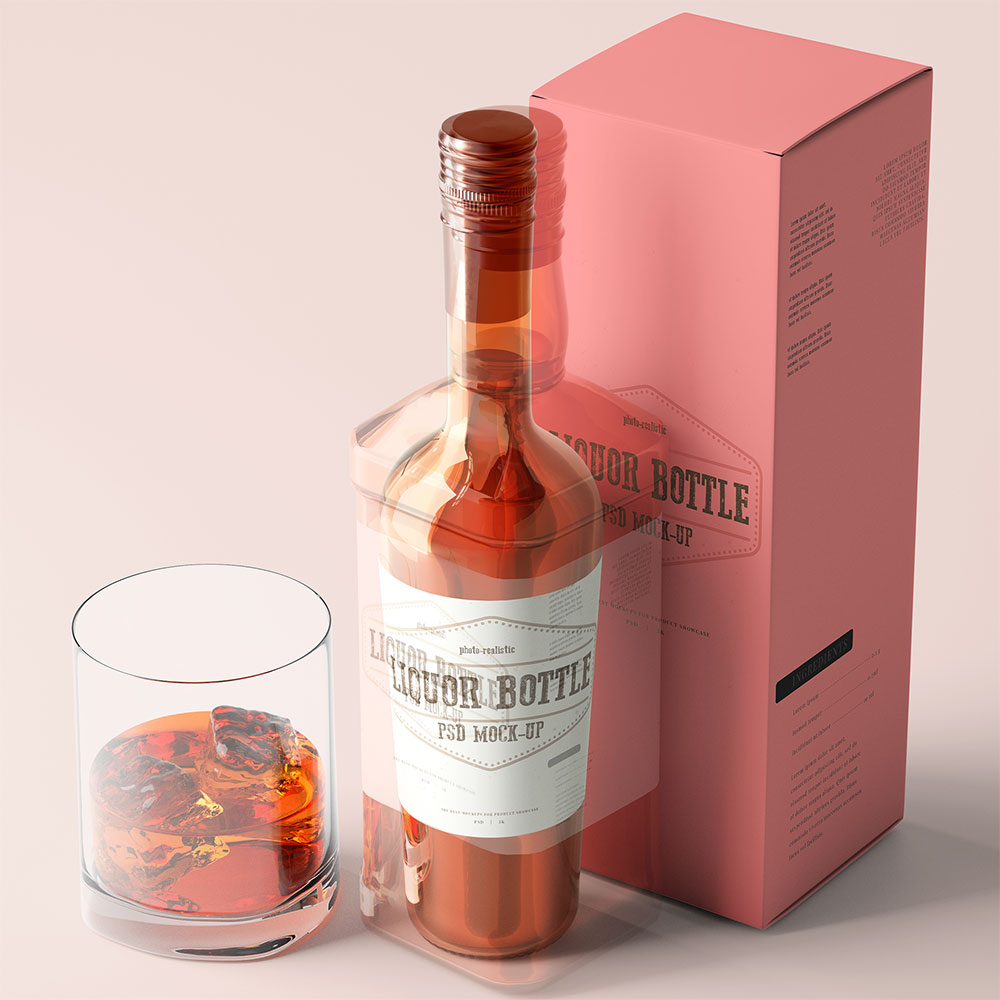 Camera Overlay
 Shot B
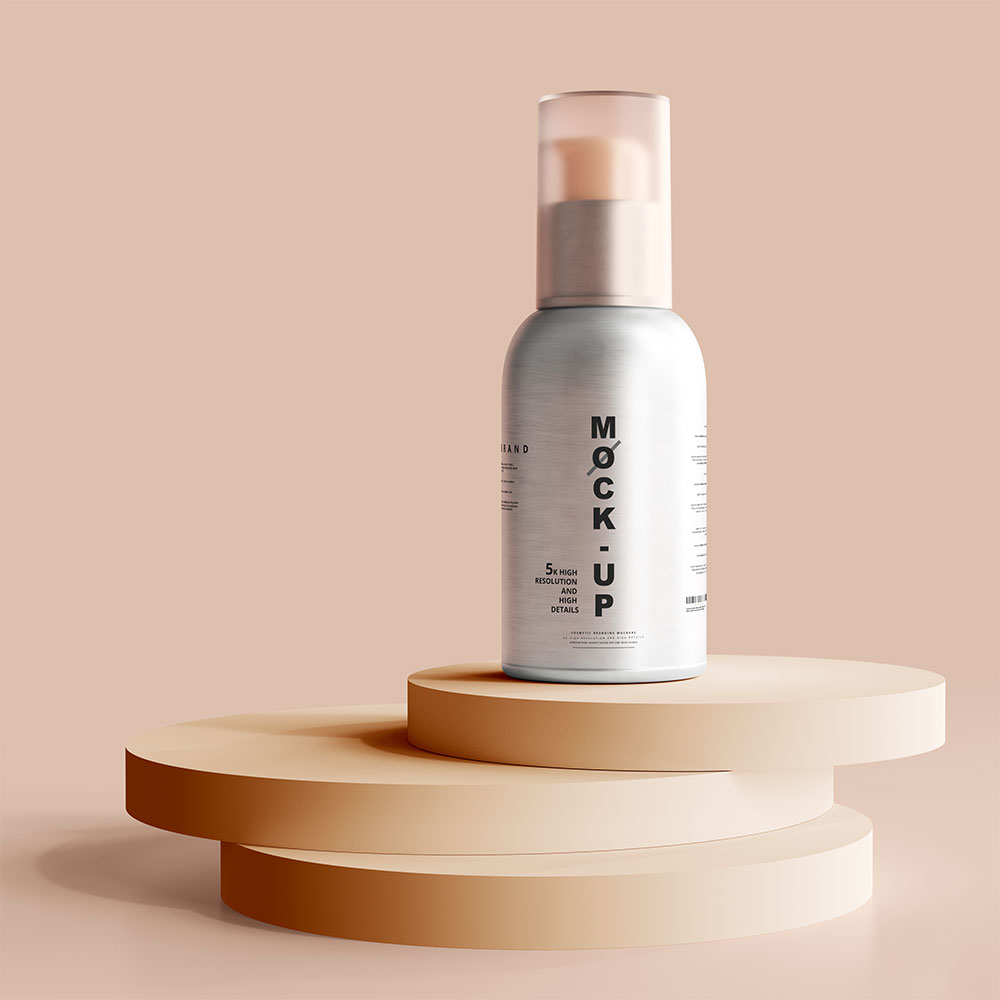 Shot A
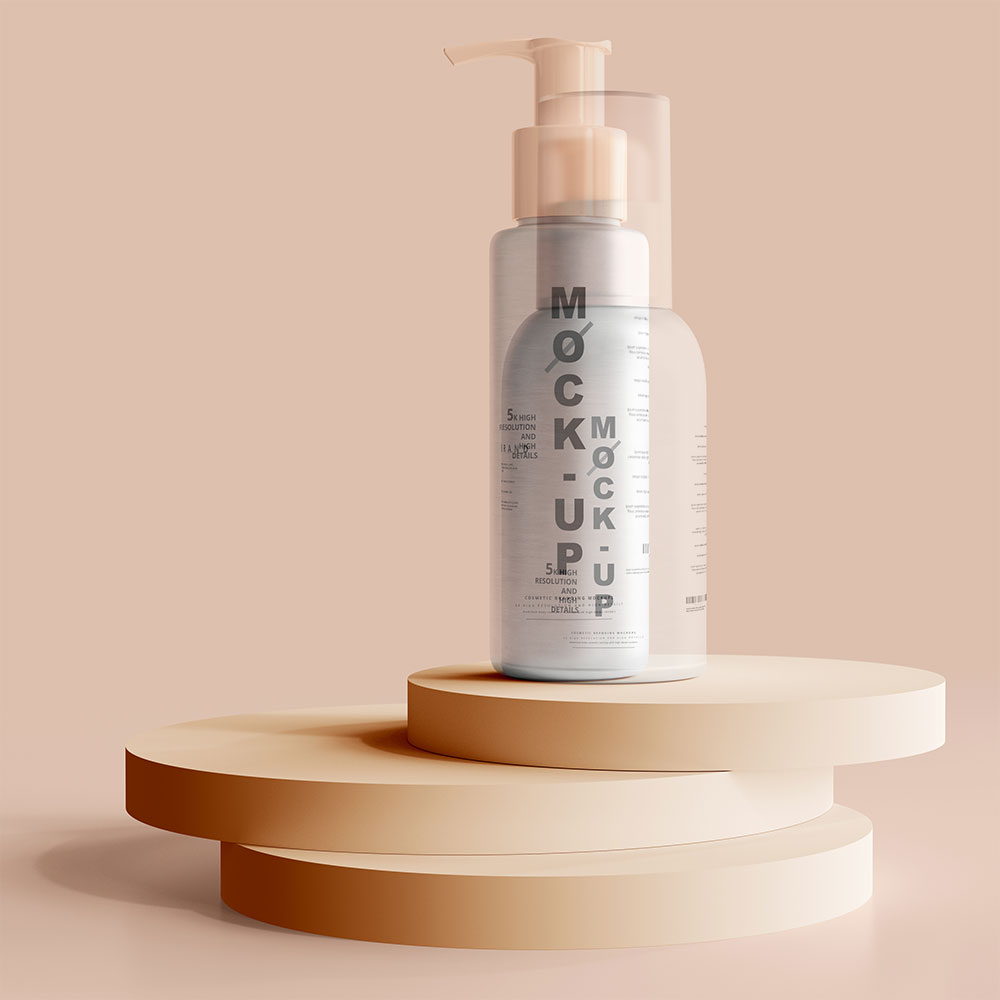 Camera Overlay
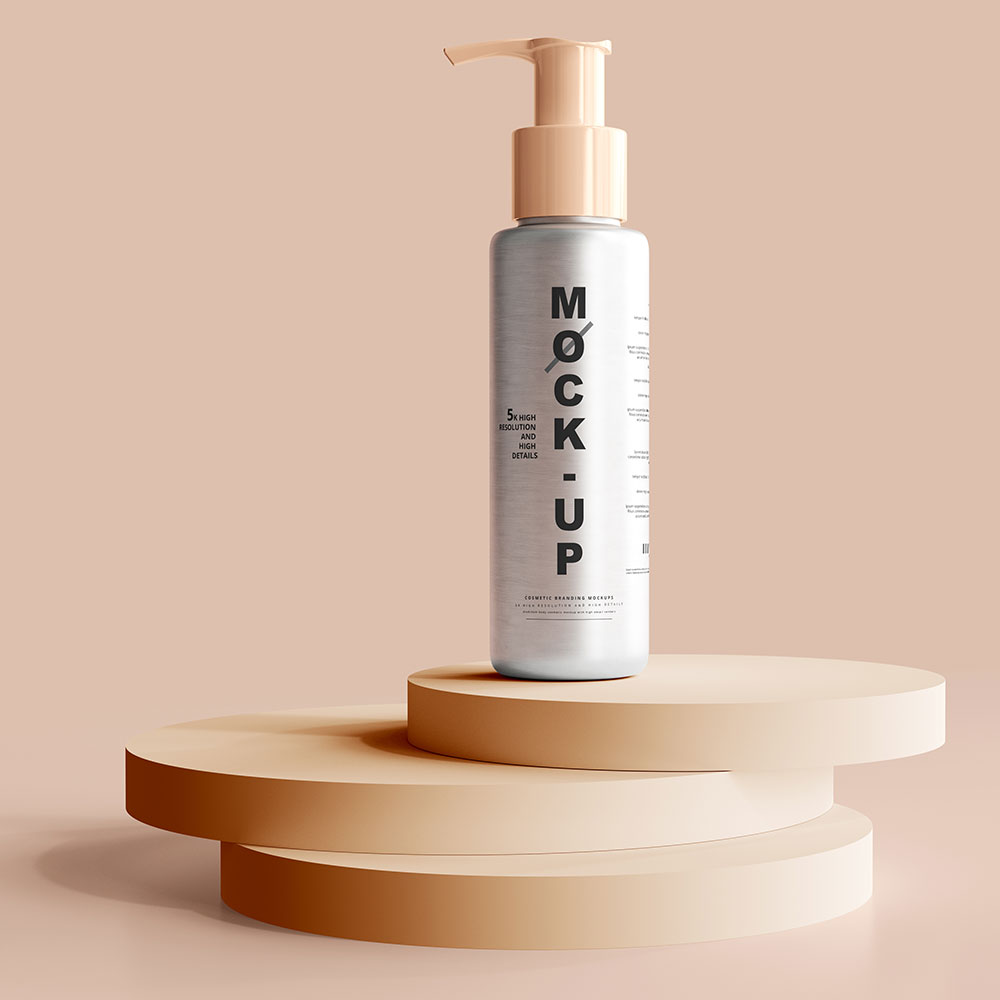 Shot B
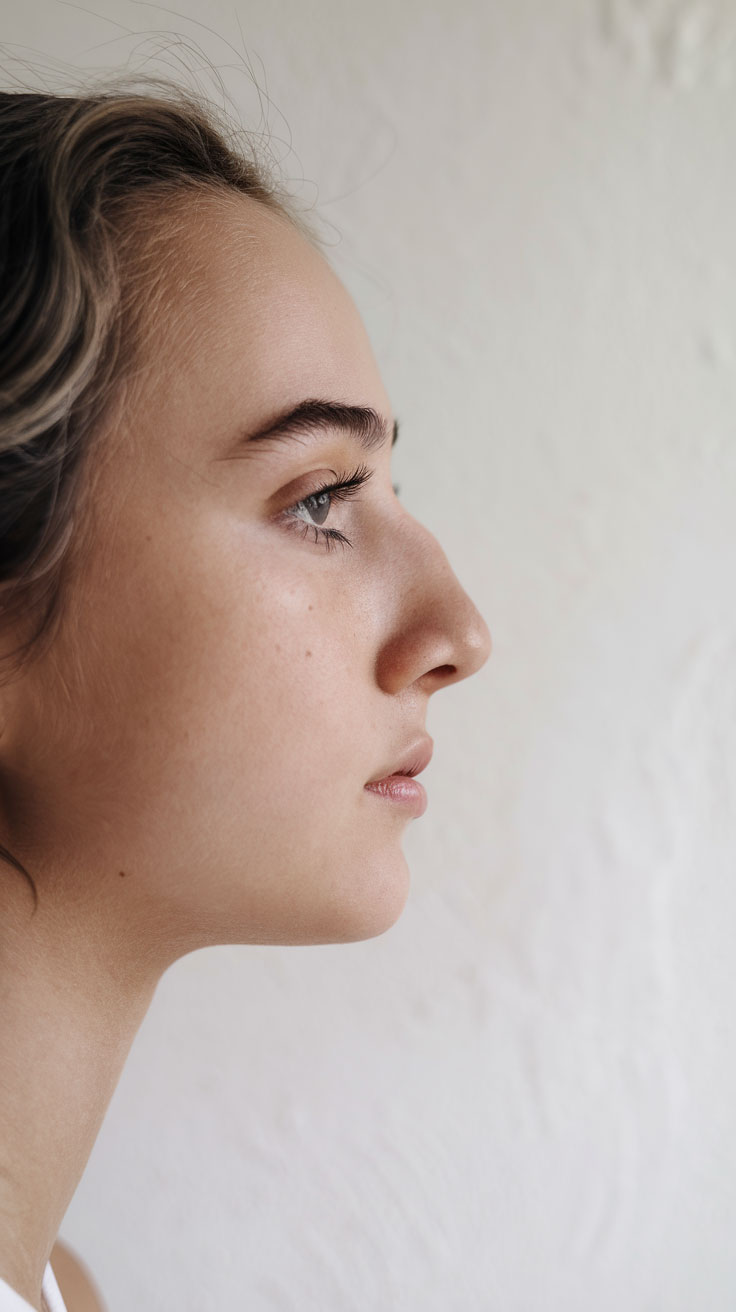
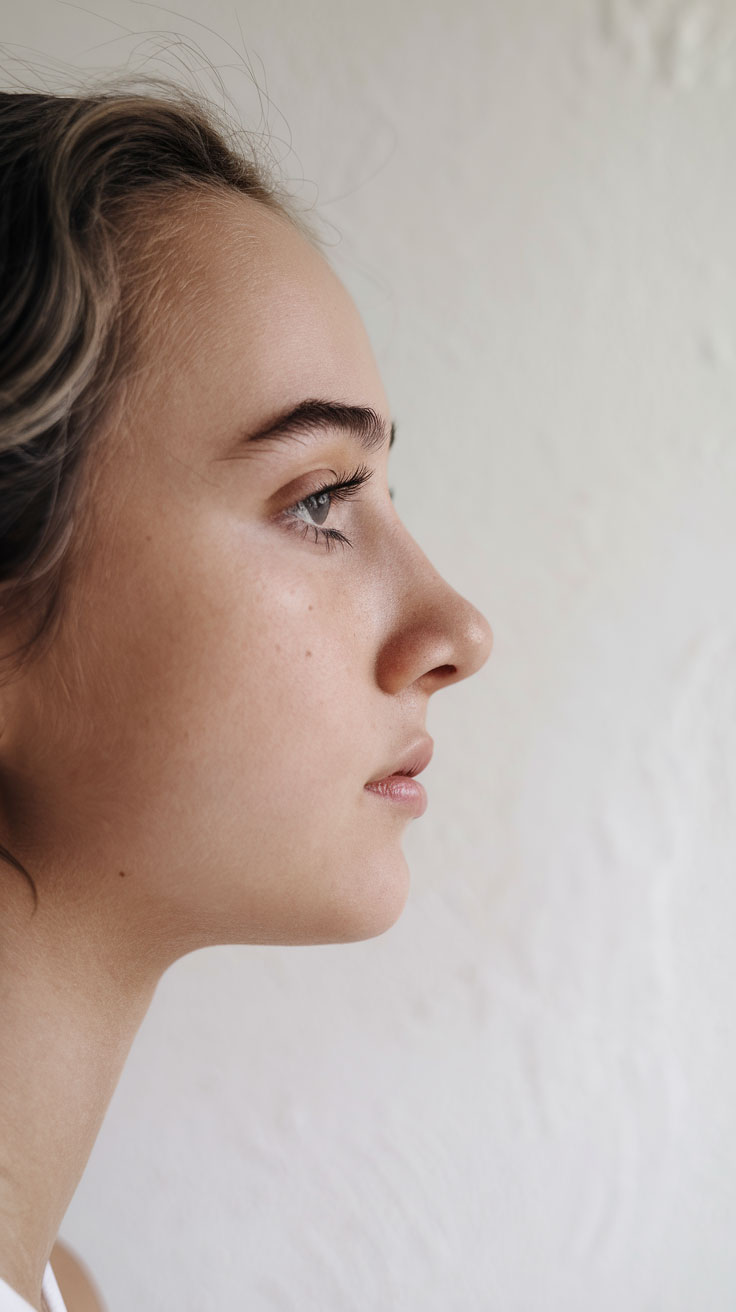
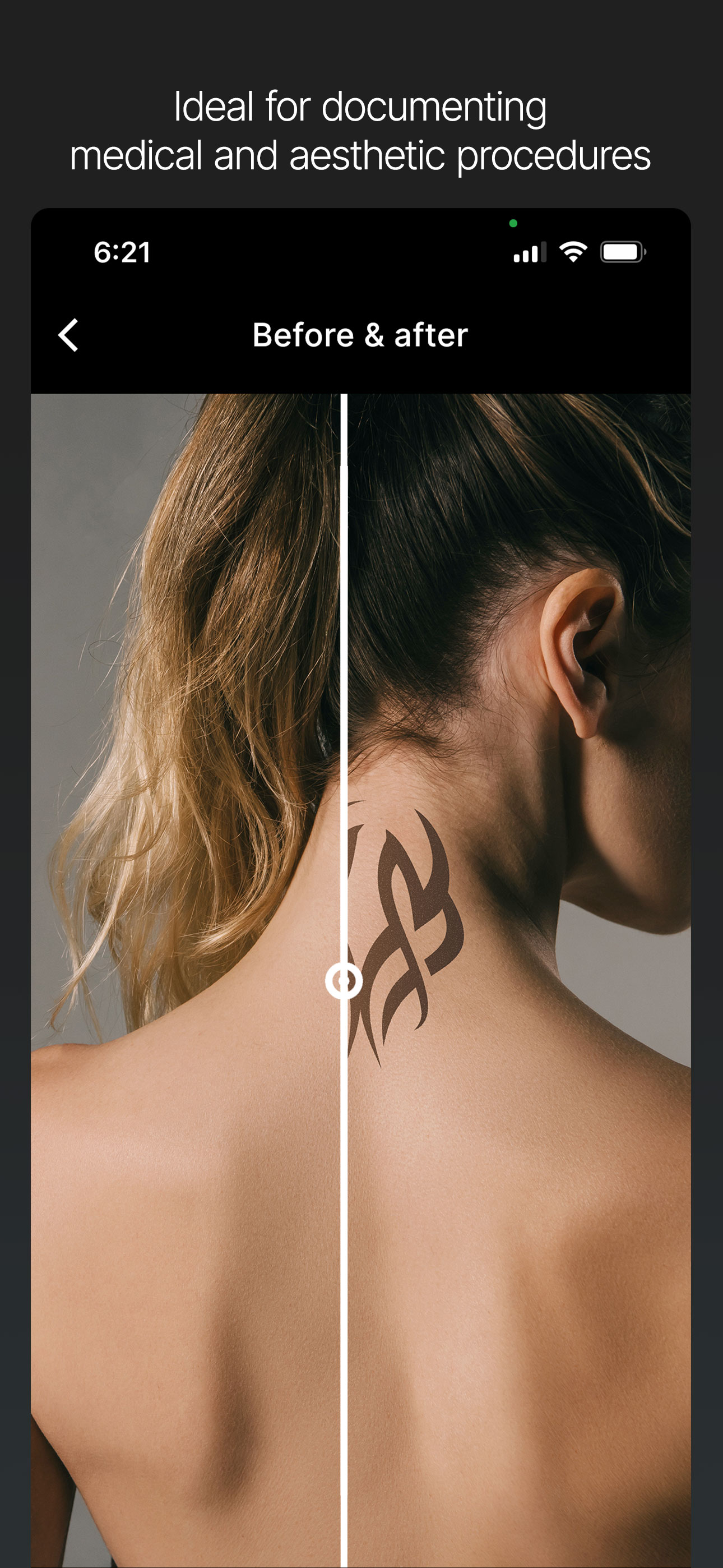
Whether you're tracking fitness progress, medical recovery, or cosmetic changes, Camera Overlay helps you achieve the exact framing everytime.
Packed with features designed for creators, businesses, and influencers.
Place any reference image as a layer over your live camera feed with adjustable opacity.
Full manual exposure and zoom controls for complete creative freedom on every shot.
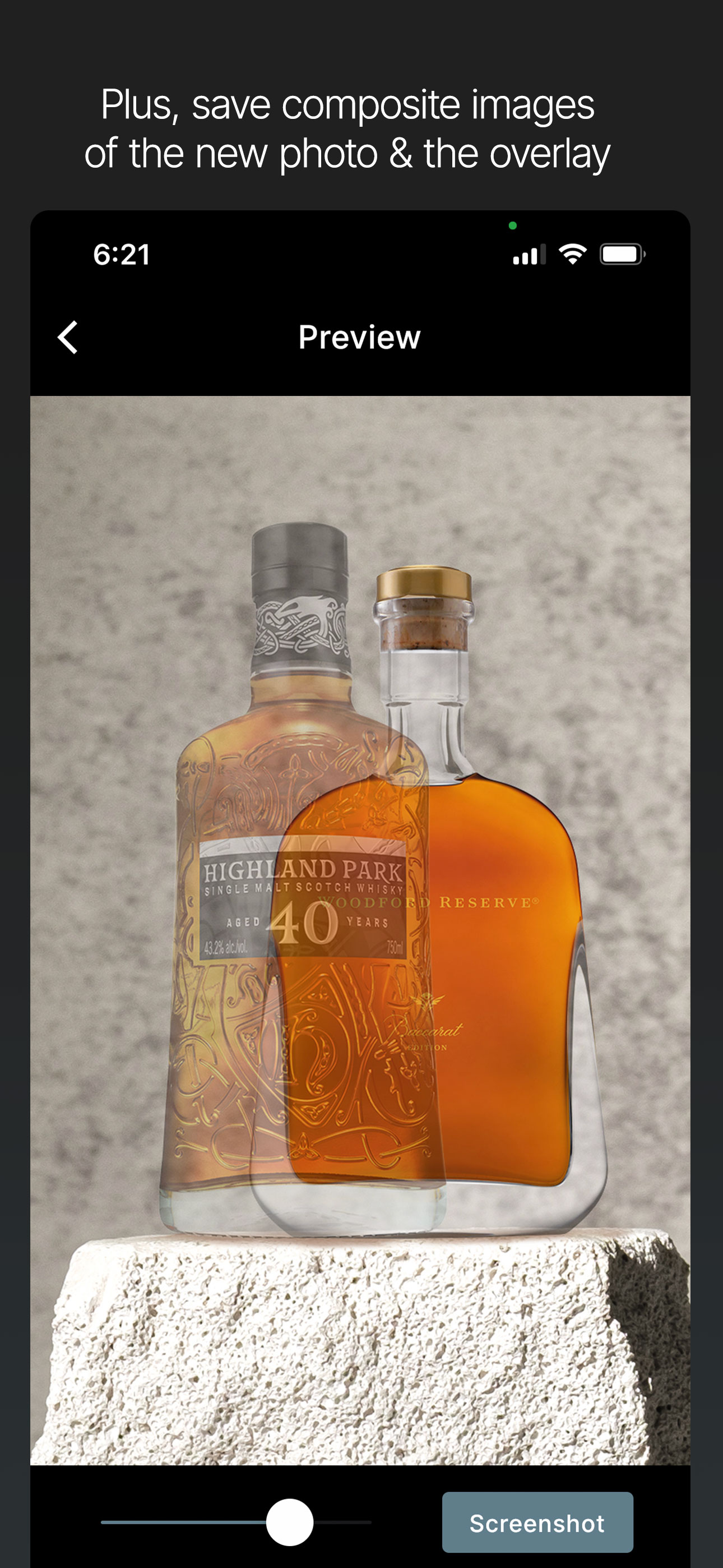
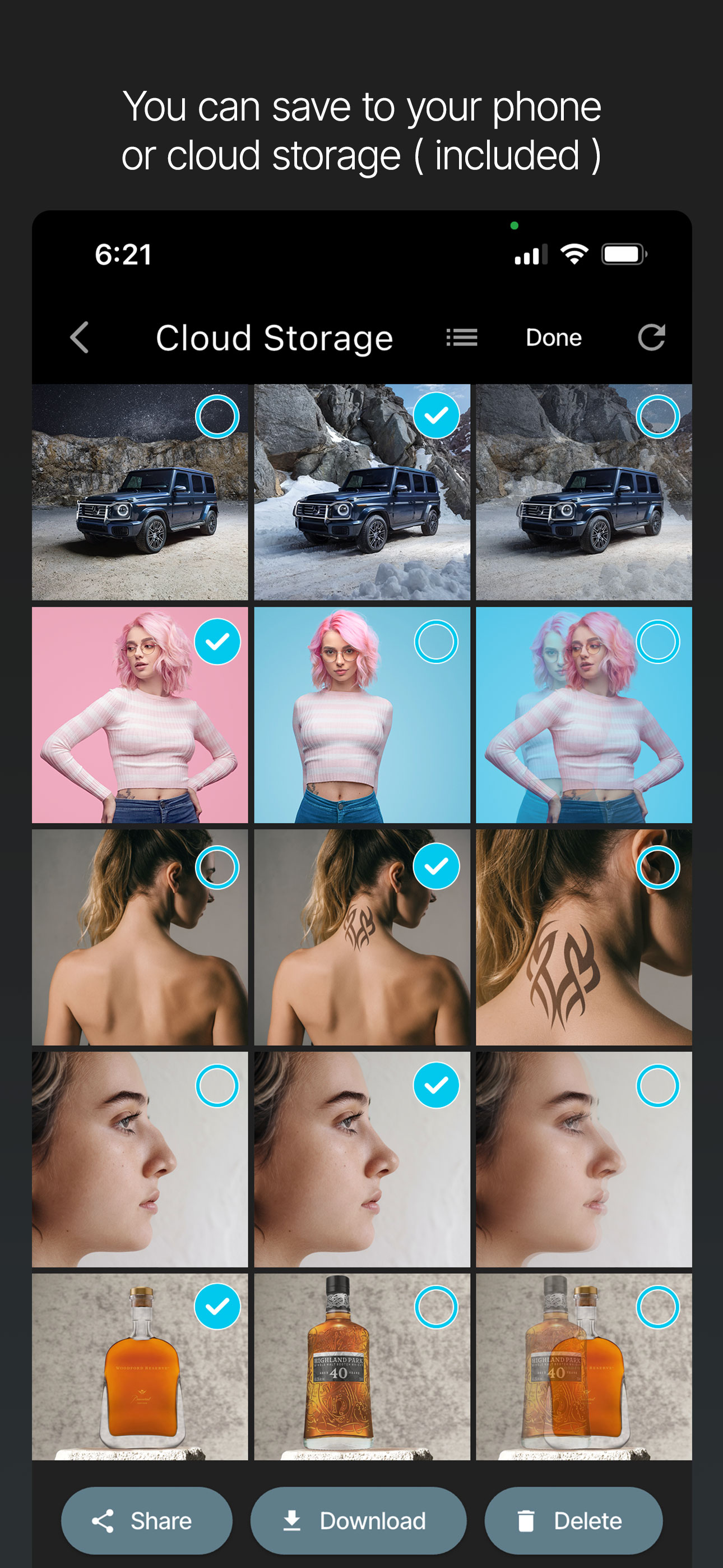
Easily save blended images showing your new shot layered with the semi-transparent overlay.
No ads. No tracking.
Keep work files off your personal device.
For studio setups and larger product shoots.
Download Camera Overlay on iOS and Android.